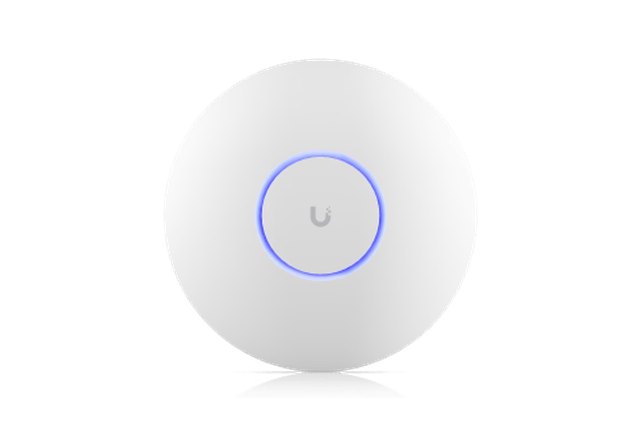
Ceiling, indoors
U7 Pro
Our standard model for most homes. Sleek, white and barely noticeable on the ceiling. Powerful enough for a whole floor.
We only work with UniFi: professional equipment also used in offices, hotels and stadiums, now for your home. Below you can see which devices we install and what they do.
An access point broadcasts the Wi-Fi signal. We install one or more wherever you need them. Your phone and laptop switch seamlessly to the strongest point. All models below support Wi-Fi 7, the latest standard.
Our standard model for most homes. Sleek, white and barely noticeable on the ceiling. Powerful enough for a whole floor.
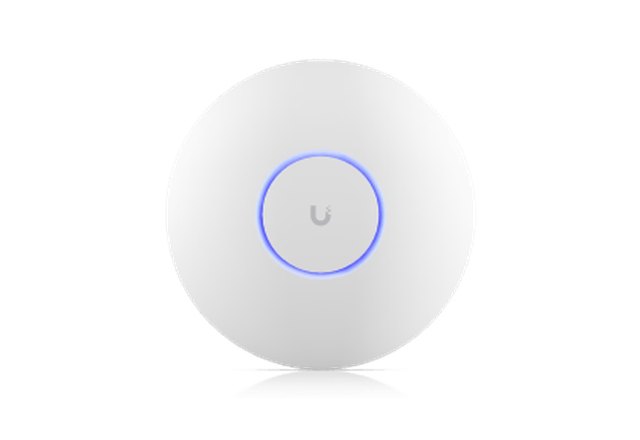
Smaller and more affordable. Ideal for apartments and smaller floors, or as an extra point alongside a U7 Pro.
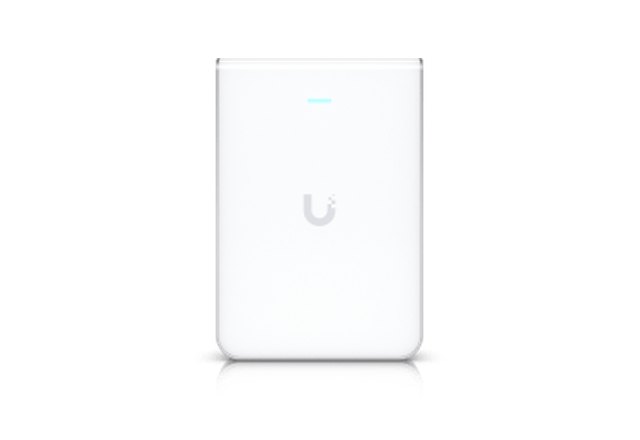
For when the ceiling is not an option, for example a listed or concrete ceiling. Mounts flat against the wall.
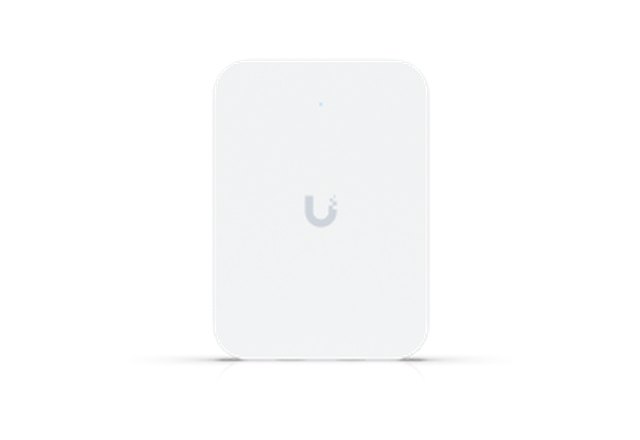
Replaces a network socket in the wall. Provides Wi-Fi and extra network ports for the TV or games console.
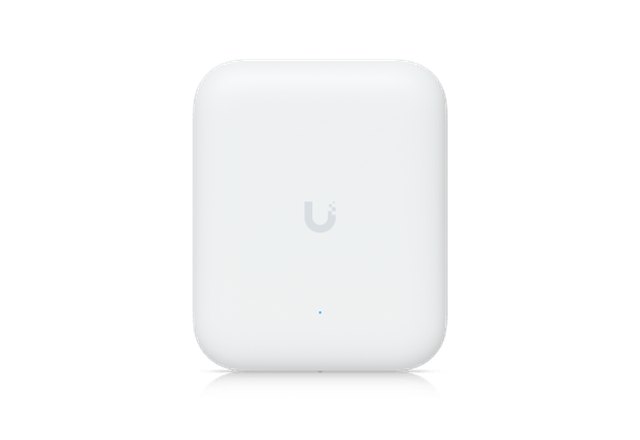
Weatherproof for outdoor use. For fast Wi-Fi in the garden, on the roof terrace or in the shed.
The UniFi Dream Machine sits in your meter cupboard, basement or a cabinet and connects your internet to your home. It does several things at once:
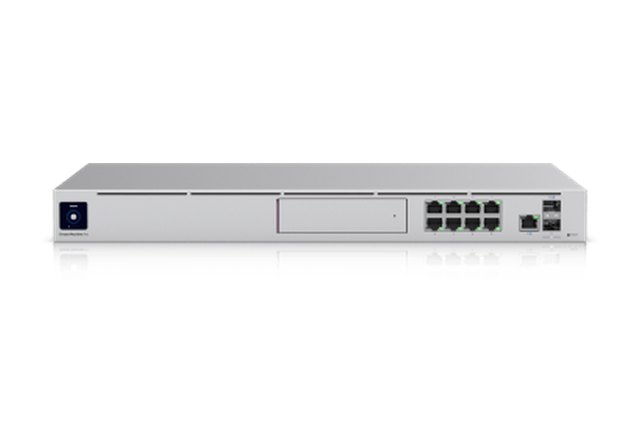
More than enough for almost any home. Works with a separate PoE switch for the access points.
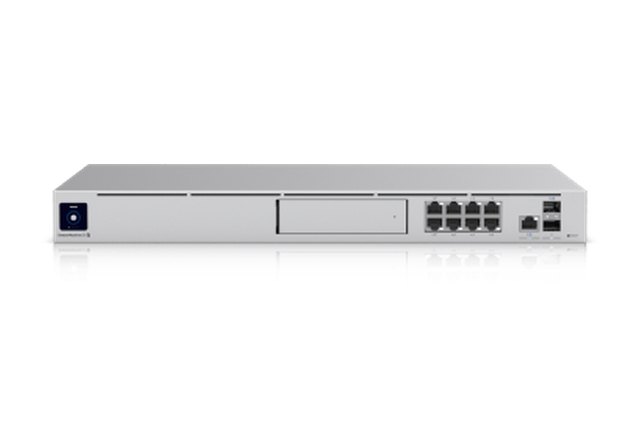
Has its own PoE ports, so access points connect directly. Handy if you do not want a separate switch.
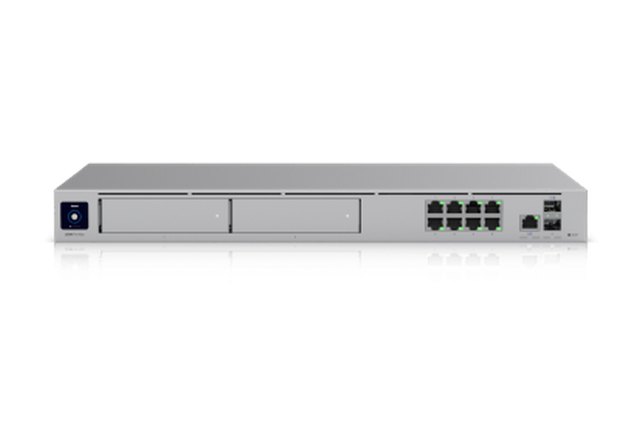
More processing power, room for two hard drives and more capacity. For large homes with many devices or cameras.
Access points usually hang where there is no power socket. With PoE (Power over Ethernet) they get power through the same network cable. The PoE switch sits next to the Dream Machine and powers all access points at once.
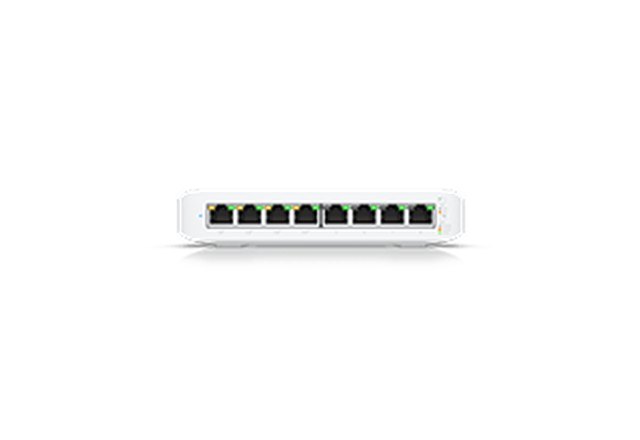
Compact, quiet and fanless. Enough ports for a few access points and wired devices.
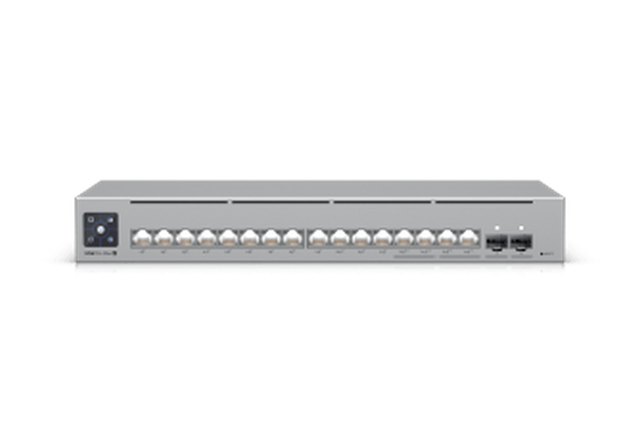
More ports and more power. For larger homes, many access points or security cameras.
The combination you need depends on your home. During the Wi-Fi check we test everything and advise exactly what you need. No more, no less.