Meter cupboard
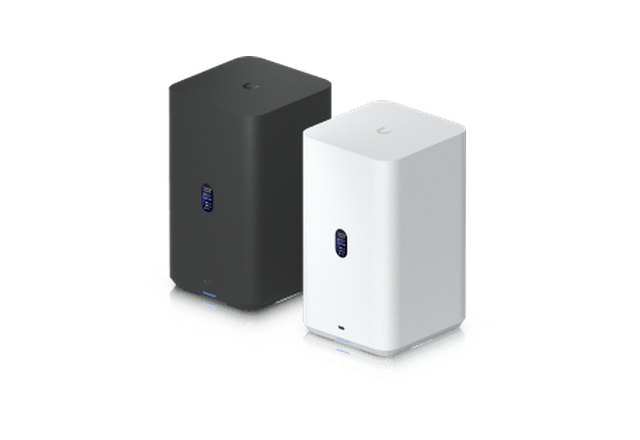
UniFi NAS
Compact home storage with two drives, powered over the network cable. Managed in the same UniFi app.
An example: a family with two children. Both parents work from home and are often on video calls at the same time. The kids stream and game on their iPads. Here is how we build one network for this family that handles it all.
The meter cupboard holds the Dream Machine, a PoE switch and the NAS. From there, a network cable runs to every access point, every camera, the intercom and the screens. One cable per device, for both internet and power.
Wireless is convenient, but the foundation is a cable. That is why we run network cables to all access points, cameras and screens. Where it matters, such as the desks and the TV, we also connect directly by cable. All neatly finished.
No extenders passing the signal along, but its own access point in every room, connected by cable. Everyone gets full speed at the same time, and you move from room to room with your phone or laptop without noticing.
The meter cupboard also holds a UniFi NAS: a storage device for the whole family. Photos, documents and laptop backups are kept safely at home, and everyone can access them.
Compact home storage with two drives, powered over the network cable. Managed in the same UniFi app.
A UniFi intercom with camera hangs at the front door. When someone rings, you see and talk to them on a screen in the hallway or kitchen, or on your phone. Cameras at the front door, in the garden and in the living room keep an eye on things.
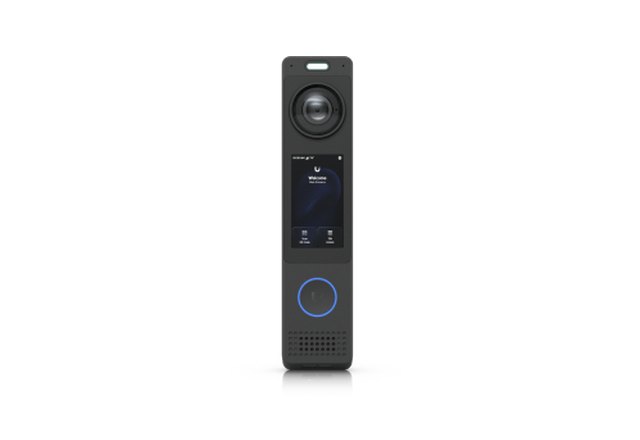
Camera, microphone and speaker at the front door. See and talk to visitors wherever you are.
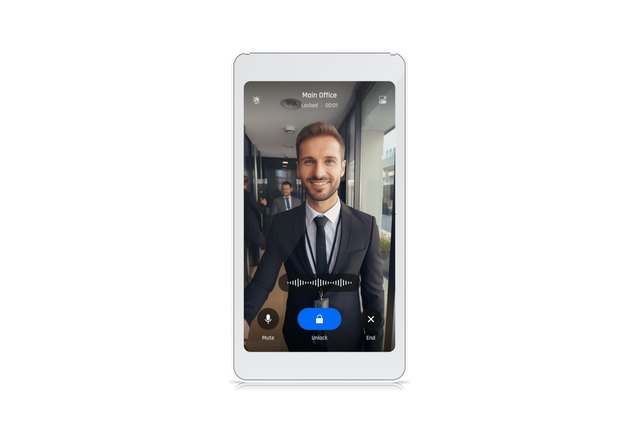
A small touchscreen on the wall. See who is ringing and talk to them straight away.
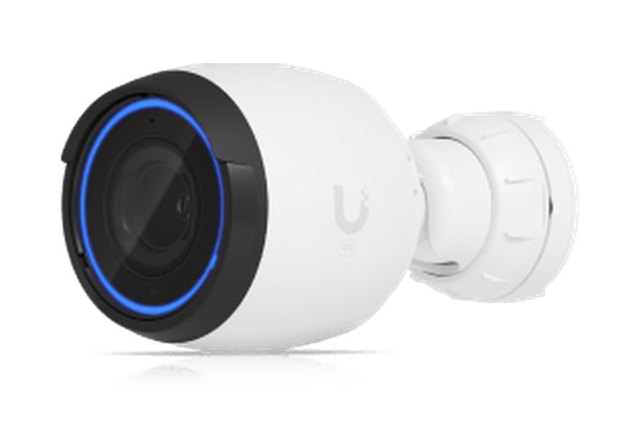
Recordings are stored at home on the Dream Machine. Everything can be watched back in the app.
This is an example. Every home is different, so we decide together what you need. Everything comes together in one UniFi app.